Controls
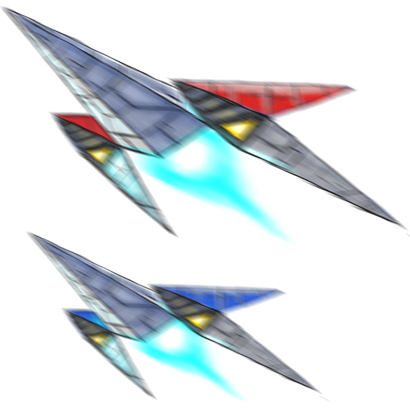
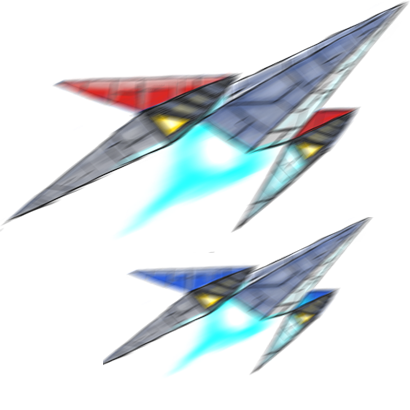
1. Piloting the Arwing in Battle View
-
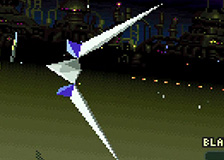
- Flight mode

-
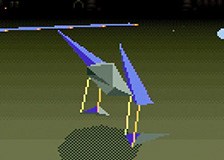
- Walker mode
Flight mode
There are four control types available, A - D. You can choose your preferred control type from the pilot selection screen.
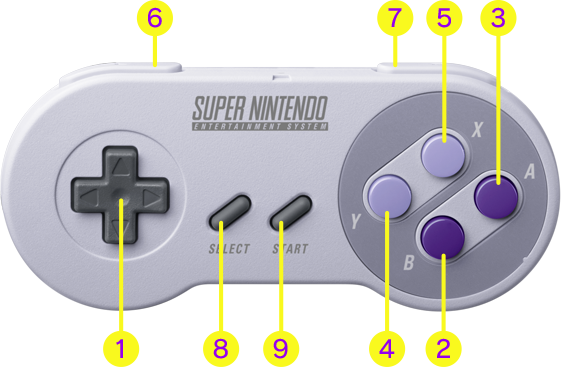

Type A
-
1
⬆Descend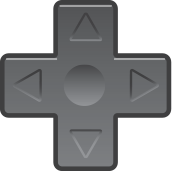
⬅ ➡Turn
⬇Ascend -
2

Blaster
-
3

Brake
-
4

Boost (temporary speed increase)
-
5

Special item
-
6
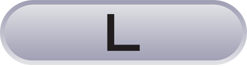
Quick turn left (left barrel roll)
-
7
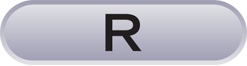
Quick turn right (right barrel roll)
-
8

Transform
-
9

Pause/View map screen
Types B and D
-
1
⬆Ascend
⬇Descend
Types C and D
-
2
Brake
-
3
Special item
-
4
Blaster
-
5
Boost
· The functions of the L, R, SELECT and START Buttons stay the same regardless of control type and current form.
Walker mode
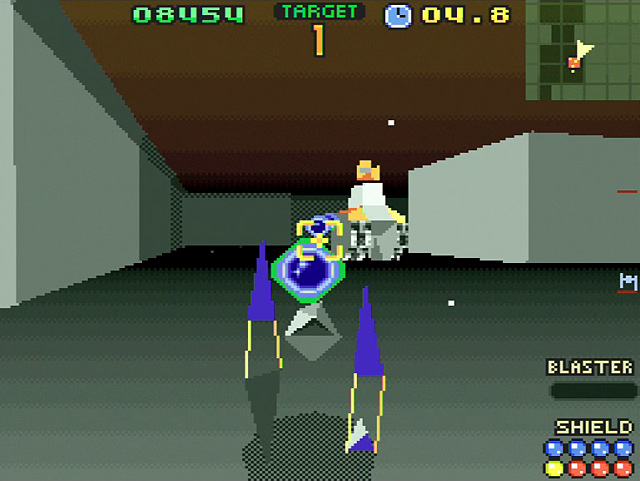
-
1
⬆Forwards
⬅ ➡Sidestep
⬇Backwards -
2
Blaster
-
3
Jump/Swim
-
4
Accelerate after jump
-
5
Special item
-
6
Turn left
-
7
Turn right
-
8
Transform
-
9
Pause/View map screen
· In Walker mode, your blaster is more powerful than the standard flight-mode blaster. Additionally, the height of blaster shots is automatically adjusted in order to hit targets, to a certain extent.
· There are some elements like Shield Squares and switches in enemy territory that can only be used while in Walker mode.
2. Planning Strategy on the Map Screen
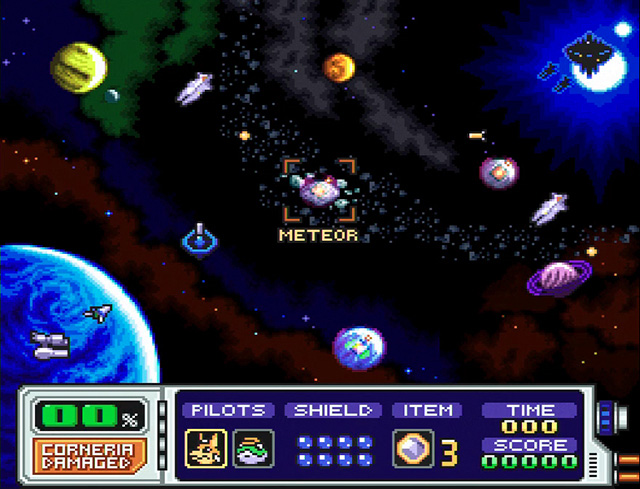
On the map screen, you can choose which enemies you want to engage. Select a target with the +Control Pad, press the B Button and your Arwings will start to move towards it.
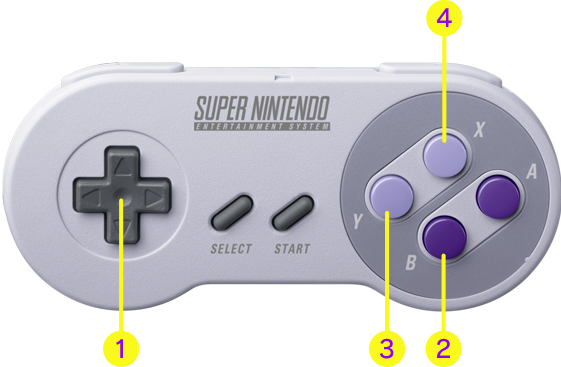
-
1
Select destination (move cursor)
-
2
Confirm destination
-
3
Cancel (stops time)
-
4
Cancel (stops time)
· Time will start to pass as soon as you press the B Button, meaning that the enemy will also be active. It's a good idea to use the cancel function if you need to stop and rethink your strategy.
· Press the SELECT Button to switch to your wingman.